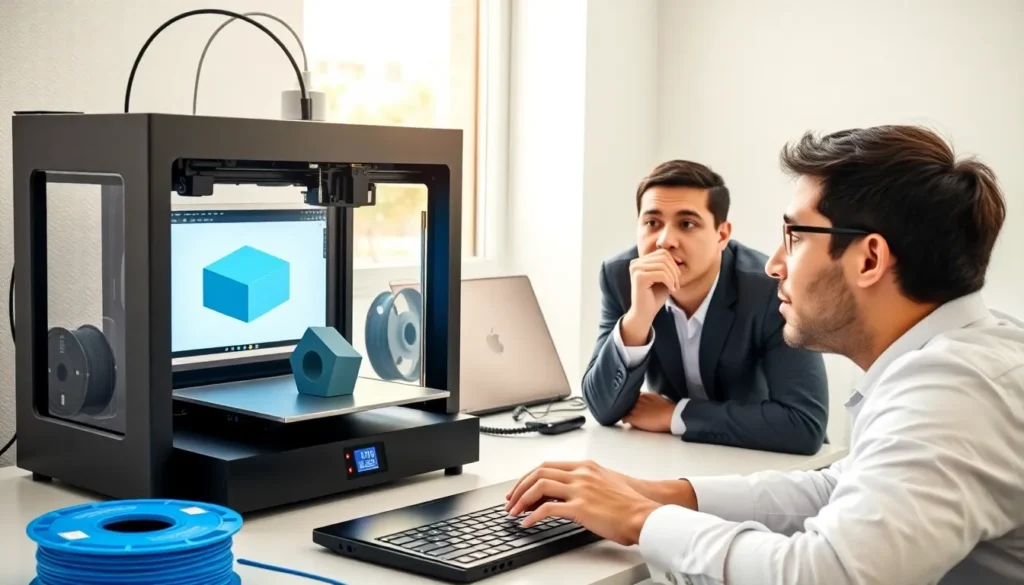
Learning how to 3D printing works opens up a world of creative possibilities. From custom phone cases to replacement parts for appliances, 3D printing lets anyone manufacture physical objects at home. The technology has become affordable and accessible, making 2025 an excellent time to start.
This guide covers everything beginners need to know about 3D printing. It explains the core technology, helps with printer selection, walks through software basics, and provides a step-by-step approach to completing a first print. By the end, readers will have the confidence to start their 3D printing journey.
Table of Contents
ToggleKey Takeaways
- 3D printing creates objects layer by layer, with FDM (Fused Deposition Modeling) being the most accessible and affordable option for beginners.
- Entry-level 3D printers cost between $150–$400, and choosing one with strong community support makes learning how to 3D print much easier.
- Two essential software types are needed: design programs (like Tinkercad) for creating models and slicers (like Cura or PrusaSlicer) for converting designs into printable instructions.
- Proper bed leveling and a clean build surface are critical first steps that prevent most common 3D printing failures.
- Start with simple projects like calibration cubes, use default slicer settings, and make small adjustments as you learn how your printer behaves.
- Patience is essential—rushing setup or printing too fast leads to failed prints, while taking time to understand each step builds lasting skills.
Understanding 3D Printing Technology
3D printing creates physical objects by adding material layer by layer. This process is also called additive manufacturing. A digital design file guides the printer, which deposits material in precise patterns until the object takes shape.
The most common type for home use is Fused Deposition Modeling (FDM). FDM printers heat plastic filament and push it through a nozzle. The nozzle moves across a build plate, laying down thin layers that cool and harden. Each layer bonds to the one below it.
Another popular method is resin printing, which uses liquid photopolymer resin. A UV light source cures the resin layer by layer. Resin printers produce finer details than FDM machines but require more cleanup and safety precautions.
The basic components of an FDM 3D printer include:
- Print head/extruder: Melts and deposits filament
- Build plate: The surface where objects are printed
- Frame: Provides structural support
- Stepper motors: Control precise movements
- Control board: The brain that processes instructions
Understanding how 3D printing technology works helps beginners troubleshoot problems and improve print quality over time.
Choosing Your First 3D Printer
Selecting the right 3D printer depends on budget, intended use, and technical comfort level. Beginners should consider several factors before purchasing.
Budget considerations: Entry-level FDM printers cost between $150 and $400. These machines handle most beginner projects well. Mid-range options ($400–$800) offer larger build volumes and better reliability. Resin printers start around $200 but require additional spending on resin and cleaning supplies.
Build volume: This refers to the maximum size of objects the printer can create. A 220mm x 220mm x 250mm build volume suits most hobbyist needs. Larger volumes increase cost but allow bigger projects.
Ease of assembly: Some printers arrive fully assembled. Others require hours of construction. Pre-assembled or partially assembled models save time and reduce setup errors for those new to 3D printing.
Community support: Popular printer models have active online communities. These forums provide troubleshooting help, modification guides, and settings profiles. Strong community support makes the 3D printing learning curve less steep.
Popular beginner-friendly options in 2025 include the Bambu Lab A1 Mini, Creality Ender-3 V3, and Anycubic Kobra series. Each offers good print quality at reasonable prices.
Researching reviews and watching assembly videos helps buyers understand what to expect from their chosen machine.
Essential Software and File Preparation
3D printing requires two main types of software: design programs and slicers. Each plays a distinct role in the workflow.
Design Software
Design software creates 3D models from scratch. Beginners can start with free options:
- Tinkercad: Browser-based and beginner-friendly. Great for simple objects.
- Fusion 360: More powerful with a free personal license. Better for mechanical parts.
- Blender: Open-source and capable of complex organic shapes.
Many beginners skip design software initially and download pre-made models instead. Sites like Thingiverse, Printables, and MyMiniFactory host thousands of free 3D printing files.
Slicer Software
Slicers convert 3D models into instructions the printer understands. The software “slices” the model into layers and generates G-code, the language 3D printers speak.
Popular slicers include:
- PrusaSlicer: Free and feature-rich
- Cura: Another free option with wide printer support
- Bambu Studio: Designed for Bambu Lab printers
Slicer settings control print quality, speed, and material usage. Key settings include:
- Layer height: Thinner layers mean finer detail but longer print times
- Infill percentage: How solid the interior is (15–20% works for most prints)
- Print speed: Slower speeds often improve quality
- Support structures: Temporary material that supports overhangs
Learning slicer software takes practice. Starting with default profiles and making small adjustments helps beginners understand how each setting affects 3D printing results.
Your First Print: Step-by-Step Process
Completing a first 3D print involves several steps. Following this process increases the chance of success.
Step 1: Level the build plate
Proper bed leveling ensures the first layer sticks correctly. Most printers include a leveling procedure. Some newer models feature automatic bed leveling. Manual leveling uses paper or a feeler gauge to set the correct nozzle-to-bed distance at multiple points.
Step 2: Prepare the build surface
Clean the build plate with isopropyl alcohol. This removes oils and residue that prevent adhesion. Some users apply glue stick or hairspray for extra grip, though many modern surfaces work without additives.
Step 3: Load filament
Heat the extruder to the filament’s recommended temperature (typically 200–220°C for PLA). Feed filament through the extruder until it flows smoothly from the nozzle.
Step 4: Slice your model
Import an STL file into your slicer. For a first print, choose something simple, a calibration cube or small figurine. Apply default settings and export the G-code file.
Step 5: Transfer and print
Move the G-code to the printer via SD card, USB, or Wi-Fi. Start the print and watch the first few layers closely. The first layer should lay flat without gaps or lifting.
Step 6: Post-processing
Once complete, let the print cool before removal. Use a scraper if needed. Remove any support structures and sand rough edges if desired.
First prints rarely turn out perfect. Each attempt teaches something new about how 3D printing works.
Common Mistakes and How to Avoid Them
Beginners often encounter similar problems. Knowing these issues in advance saves time and filament.
Poor bed adhesion
Prints that lift or detach mid-print usually indicate bed leveling issues. The nozzle may be too far from the bed, or the surface needs cleaning. Increasing bed temperature by 5°C can also help.
Stringing and oozing
Thin strands of plastic between parts of a print result from filament leaking during travel moves. Adjusting retraction settings in the slicer reduces this problem. Lowering print temperature slightly also helps.
Layer shifting
When layers don’t align properly, the cause is usually mechanical. Check that belts are tight and pulleys are secure. Loose screws on the frame can also cause shifts.
Warping
Large prints sometimes curl up at corners. This happens when layers cool at different rates. Using a heated bed, enclosing the printer, and adding brims in slicer settings all reduce warping.
Clogged nozzle
Filament stops flowing when debris blocks the nozzle. Prevention includes using quality filament and keeping it dry. Cleaning involves heating the nozzle and pushing filament through or using a needle to clear blockages.
Printing too fast
Speed causes many quality issues. Beginners should start with slower settings and increase gradually as they learn their printer’s capabilities.
Patience matters in 3D printing. Rushing setup or ignoring warning signs leads to failed prints. Taking time to understand each step builds skills that produce better results.