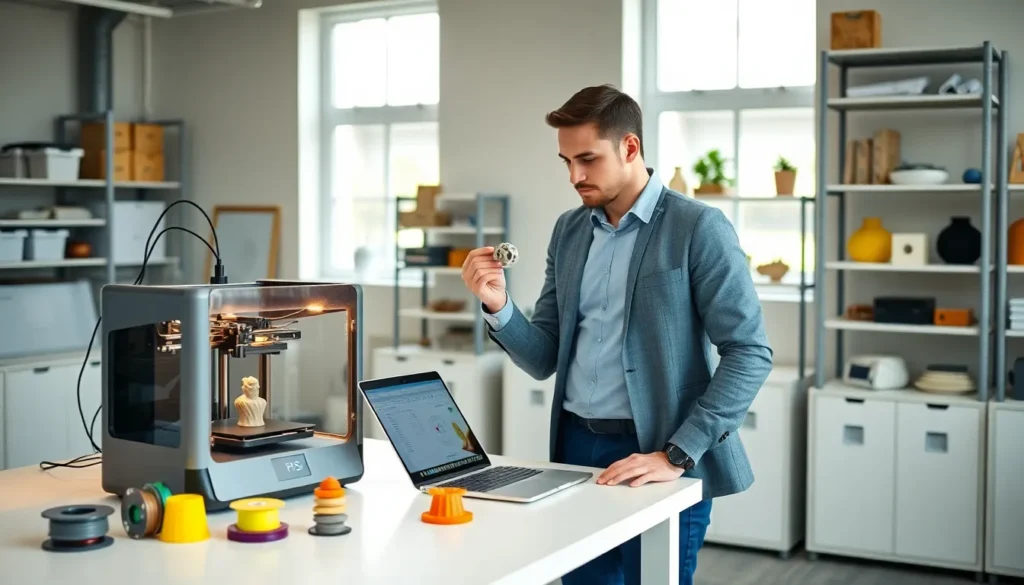
Good 3D printing tips can transform frustrating failed prints into consistent, high-quality results. Whether someone is new to additive manufacturing or has years of experience, small adjustments often make the biggest difference.
This guide covers practical techniques that improve print quality immediately. Readers will learn how to select the right materials, dial in optimal settings, prepare surfaces correctly, keep equipment running smoothly, and fix common problems. Each section focuses on actionable advice that works across most FDM printers.
Table of Contents
ToggleKey Takeaways
- Match your filament to your project—PLA works best for beginners and decorative items, while PETG and ABS suit functional parts needing more durability.
- Optimize layer height and print speed based on your goals: thinner layers (0.1-0.16mm) for smooth surfaces, thicker layers (0.28-0.32mm) for faster prints.
- Proper bed preparation is essential—level the bed carefully, clean surfaces with 90%+ isopropyl alcohol, and adjust Z offset until the first layer squishes slightly without gaps.
- Regular maintenance prevents mysterious print failures: perform cold pulls to clear clogs, lubricate rails and lead screws, and check belt tension monthly.
- Fix common issues like warping by increasing bed temperature, adding brims, or using an enclosure to maintain consistent ambient temperature.
- Keep a settings log for different filaments—these 3D printing tips become even more effective when you track what works for each material and brand.
Choose the Right Filament for Your Project
Filament selection affects every aspect of a print. The wrong material leads to warping, poor layer adhesion, or parts that fail under stress.
PLA remains the most popular choice for beginners. It prints at lower temperatures (around 190-220°C), doesn’t require a heated bed, and produces minimal warping. PLA works well for prototypes, decorative items, and low-stress mechanical parts.
ABS offers better heat resistance and durability than PLA. But, it needs higher temperatures (220-250°C) and a heated bed set to 90-110°C. ABS also releases fumes during printing, so proper ventilation matters.
PETG sits between PLA and ABS in terms of difficulty. It combines good strength with easier printing characteristics. Many users prefer PETG for functional parts that need more durability than PLA provides.
Match Material to Application
Outdoor projects need UV-resistant filaments like ASA. Food-contact items require food-safe materials and proper post-processing. Flexible parts call for TPU or TPE filaments.
Always check the manufacturer’s recommended temperature ranges. Store filament in dry conditions, moisture absorption causes bubbling, stringing, and weak layer bonds. A sealed container with desiccant keeps spools ready to print.
Optimize Your Print Settings
Print settings determine success or failure more than any other factor. These 3D printing tips focus on the parameters that matter most.
Layer Height and Speed
Layer height affects both print time and surface quality. Thinner layers (0.1-0.16mm) produce smoother surfaces but take longer. Standard layers (0.2mm) balance quality and speed for most projects. Thicker layers (0.28-0.32mm) speed up prints but show visible stepping.
Print speed should match the filament type. PLA handles faster speeds (50-60mm/s) without issues. ABS and PETG often print better at moderate speeds (40-50mm/s). Complex geometries with small features benefit from slower speeds.
Temperature and Cooling
Nozzle temperature affects layer adhesion and stringing. Too low causes poor bonding between layers. Too high leads to oozing and stringing. Start with the manufacturer’s recommended temperature, then adjust in 5°C increments.
Part cooling fans help PLA dramatically. They should run at 100% for most PLA prints. ABS needs minimal or no cooling to prevent warping. PETG performs well with moderate cooling (30-50%).
Retraction Settings
Retraction pulls filament back during travel moves to prevent stringing. Most direct-drive extruders need 0.5-2mm of retraction. Bowden setups typically require 4-7mm. Retraction speed usually falls between 25-45mm/s.
Test these settings with a stringing tower. Small adjustments here eliminate those annoying thin threads between printed parts.
Prepare Your Print Bed Properly
First layer adhesion determines whether a print succeeds or becomes spaghetti. Proper bed preparation prevents most adhesion failures.
Level the Bed Correctly
Manual bed leveling uses the paper test method. Place a sheet of paper between the nozzle and bed at each corner. Adjust until the paper drags slightly when pulled. Repeat this process several times, adjusting one corner affects the others.
Automatic bed leveling systems (like BLTouch or CR Touch) simplify this process. They create a mesh of the bed surface and compensate for minor variations during printing. Even with auto-leveling, occasional manual checks help maintain accuracy.
Clean the Surface
Oils from fingerprints cause adhesion problems. Clean glass and PEI beds with isopropyl alcohol (90% or higher) before printing. Wipe in one direction rather than circular motions.
Textured PEI sheets grip filament well when clean. Smooth PEI may need a light scuff with fine sandpaper after extended use. Glass beds benefit from a thin layer of glue stick or hairspray for certain materials.
Set the Right First Layer Height
The first layer should squish slightly into the bed. Lines should connect without gaps but not be so flat that material spreads too wide. Many slicers call this the “Z offset” adjustment. Getting this right takes some trial and error, but it’s worth the effort.
Maintain Your Printer Regularly
Regular maintenance keeps printers producing quality results. Neglected machines develop problems that seem random but actually have preventable causes.
Clean the Nozzle
Partial clogs cause under-extrusion and inconsistent flow. Cold pulls (also called atomic pulls) remove debris from inside the nozzle. Heat the nozzle to printing temperature, push filament through, cool to about 90°C, then pull the filament out sharply. The tip brings debris with it.
Nozzle exteriors collect burnt plastic over time. A brass brush removes this buildup while the nozzle is warm. Never use steel brushes on brass nozzles, they cause damage.
Lubricate Moving Parts
Linear rails and lead screws need periodic lubrication. Light machine oil or PTFE-based lubricants work well for rails. Lead screws benefit from lithium-based grease applied sparingly.
Check belt tension monthly. Loose belts cause layer shifts and dimensional inaccuracy. Belts should feel firm but not overly tight, like a guitar string with a low pitch when plucked.
Check for Wear
Nozzles wear out, especially with abrasive filaments like carbon fiber or glow-in-the-dark materials. Brass nozzles may need replacement every few months of heavy use. Hardened steel or ruby-tipped nozzles last longer with abrasive materials.
Bowden tubes degrade near the hot end. Inspect for discoloration or deformation. PTFE tubes should sit flush against the nozzle to prevent clogs.
Troubleshoot Common Print Failures
Even experienced users face print failures. These 3D printing tips address the most frequent issues.
Warping and Lifting
Warping happens when material cools unevenly. The edges pull up from the bed, ruining the print. Solutions include:
- Increase bed temperature by 5-10°C
- Add a brim or raft for better adhesion
- Use an enclosure to maintain consistent ambient temperature
- Apply adhesion aids like glue stick
Stringing and Oozing
Thin strings between parts indicate retraction problems. Increase retraction distance slightly. Lower the nozzle temperature if stringing persists. Travel speed increases also help, the nozzle spends less time oozing during moves.
Layer Shifts
Layer shifts create offset sections in prints. Common causes include loose belts, stepper motors overheating, or print speeds exceeding the printer’s capabilities. Check mechanical components first. Reduce speed and acceleration if hardware seems fine.
Under-Extrusion
Under-extrusion leaves gaps and weak layers. Check for partial clogs, worn nozzles, or incorrect filament diameter settings in the slicer. Extruder gear teeth sometimes fill with plastic dust, clean them with a small brush.
Keep notes on what works. Different filament brands print differently, even within the same material type. A settings log saves time when switching between spools.